

 Merv
Merv Nisa
Nisa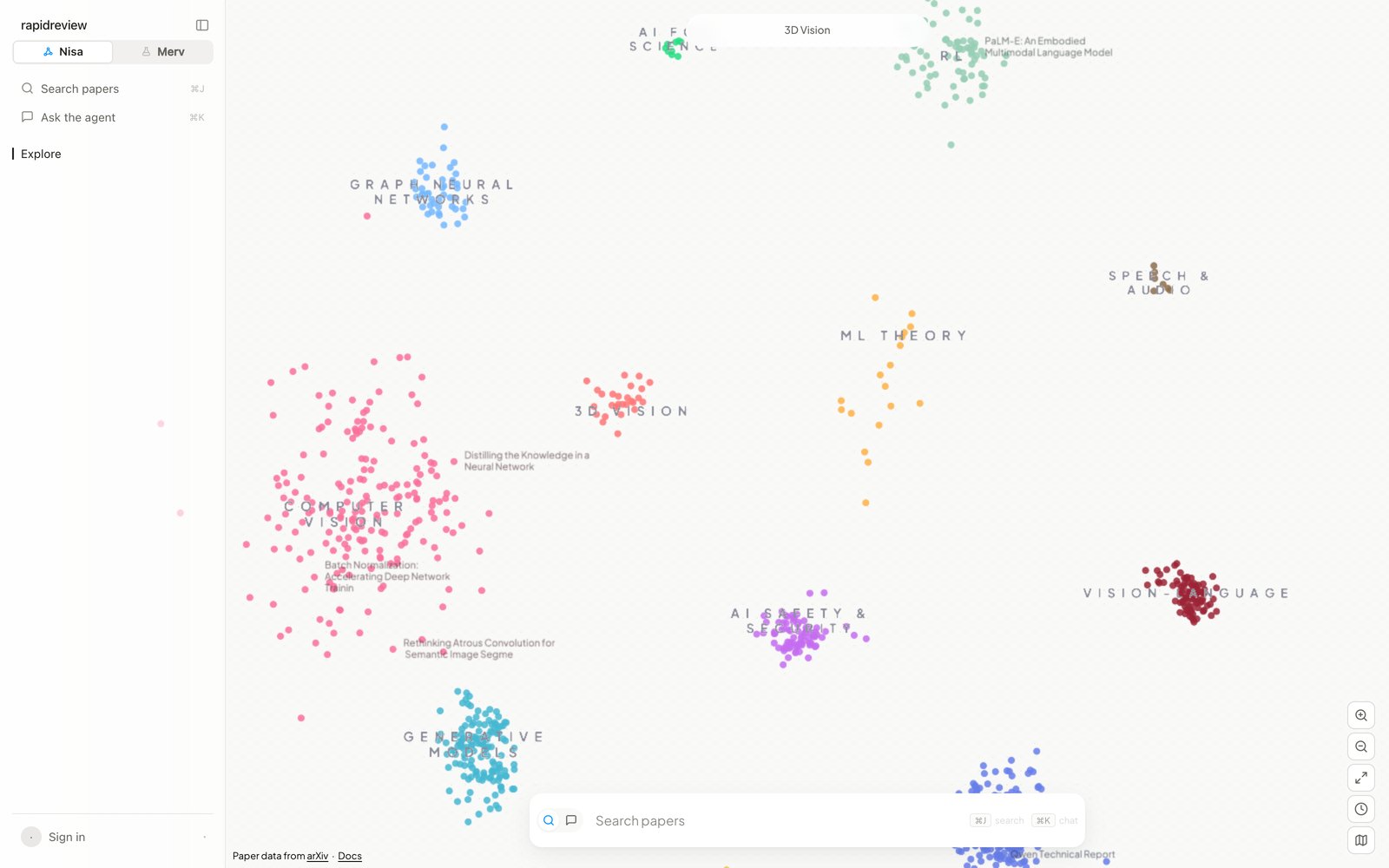
Position reflects content; colour is a paper's community. The highest-PageRank papers appear first, more as you zoom. Region names are clickable.
The rail
The rail on the left is desktop-only, and⌘B hides it. From top to bottom it holds the two commands, Search papers (⌘J) and Ask the agent (⌘K); Explore, which is the map; Library, your lists; Chats, your five most recent conversations; and your account chip at the bottom, which opens Settings, Begin tour, Feedback, Docs, and Sign out. The switch at the very top takes you to Merv on the same account.
The map
Each dot is a paper, and nearby papers are about similar things. Colour marks the paper’s community in the citation-and-similarity graph, so a paper sitting in one region with another region’s colour bridges two areas. Region labels appear in two levels as you zoom — fields first, then subfields — and the pill at the top tells you where you are. The controls at the bottom right zoom, Fit view to the whole map, switch the recency lens on (the clock, which colours dots by publication year), and open a minimap.Search
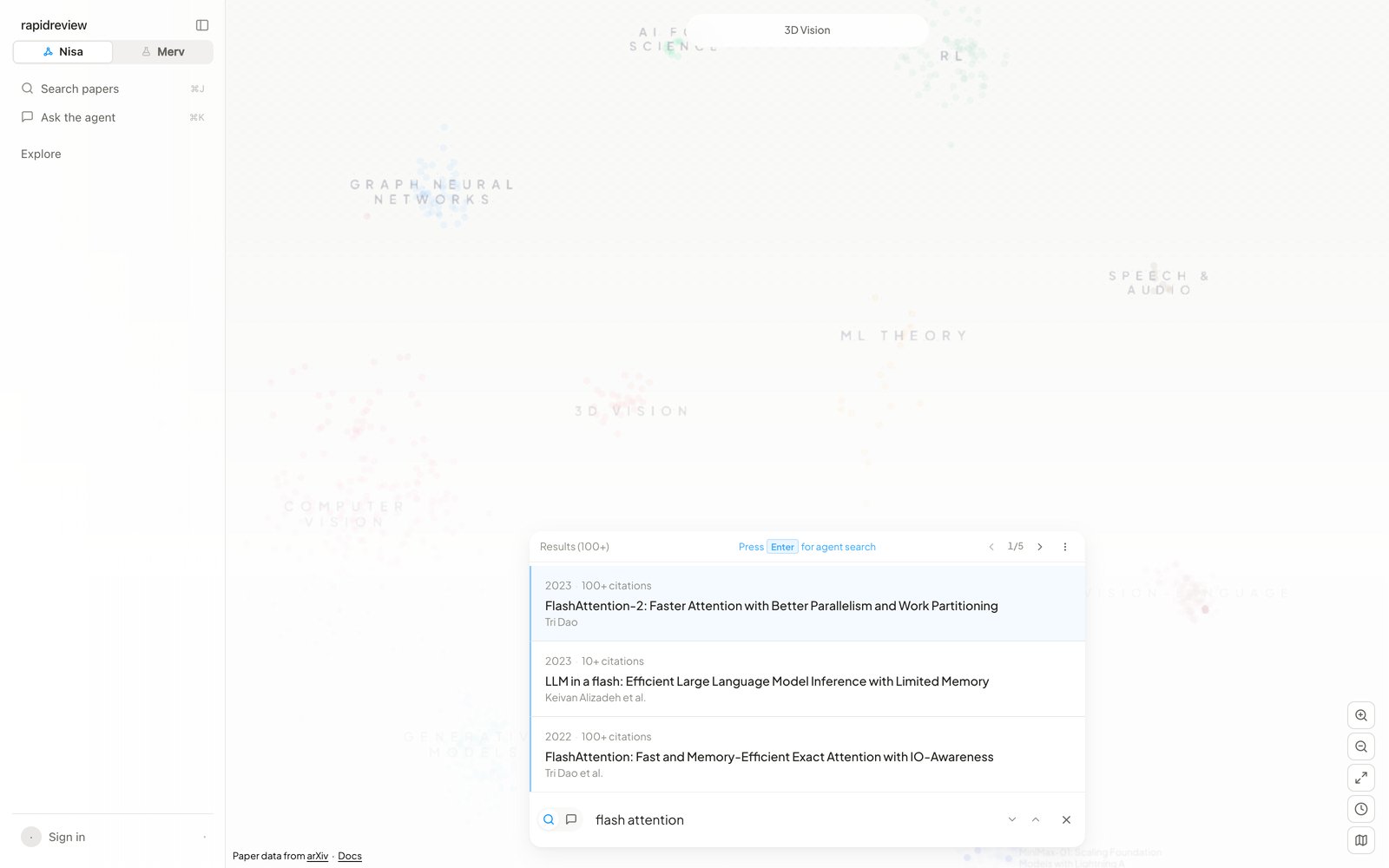
Results appear as you type. Enter hands a question to the search agent.
Found by agent. Any result set can be filtered by year range or author. Ghost-text autocomplete is off by default and can be switched on in Settings; Tab or → accepts a suggestion. Five agent searches are free without an account.
A paper
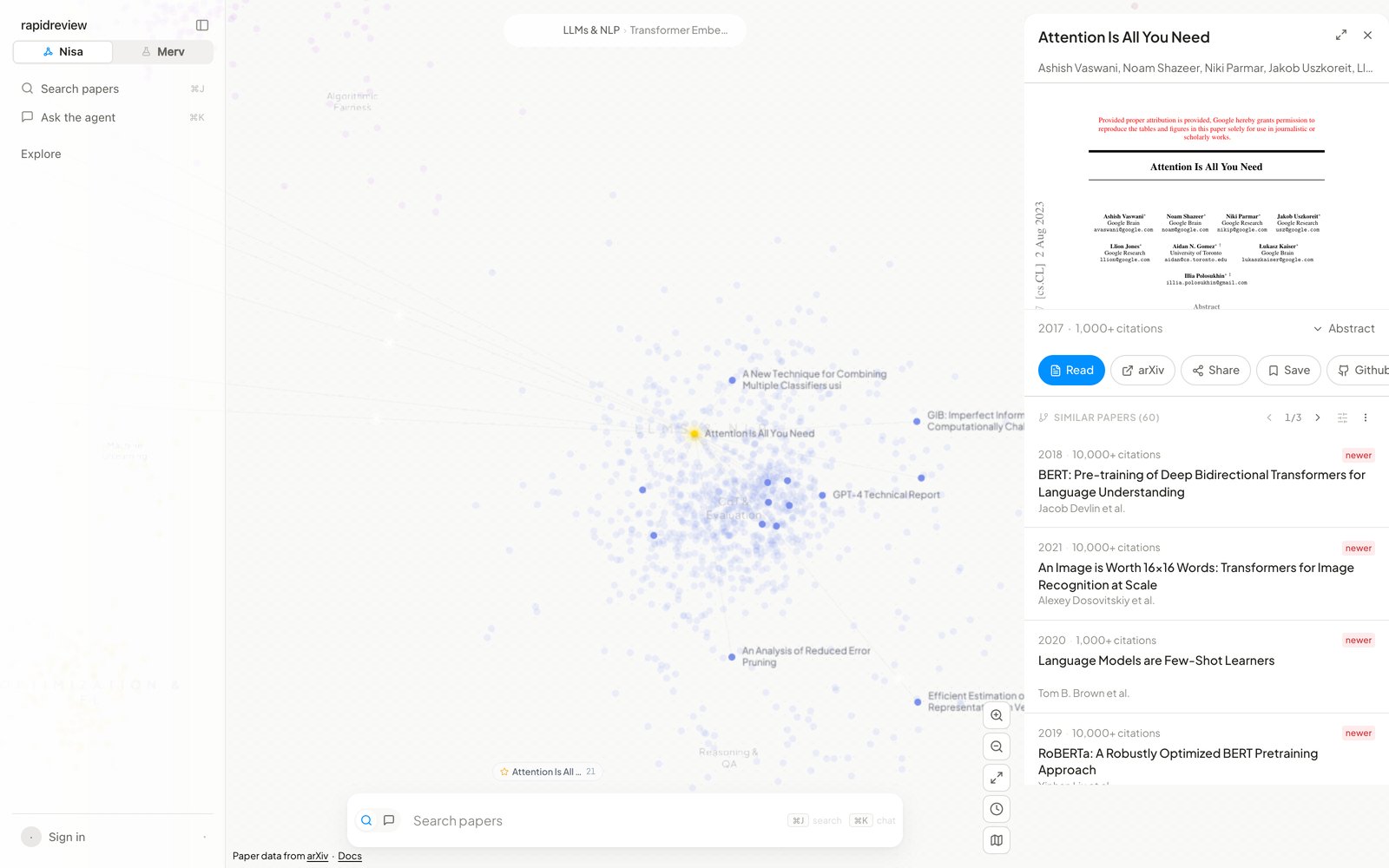
Similar Papers, ranked by the same hybrid citation-and-content signal as nisa related; the map highlights them.
Lists
Save on a paper opens Save to…, where you pick a list or name a new one. In a list’s settings you can give it an icon and a description, and make it Public, so anyone with the link can view it. Share with people… invites collaborators by email. Members can add, remove, annotate, and rename, but only the owner can publish. Each paper in a list can carry a note. The ⋯ menu copies the link, exports CSV, and deletes the list (owner) or leaves it (member). These are the same listsnisa lists shows in the CLI; BibTeX export is CLI-only (Exporting).
Settings
Settings opens from the account chip and has five tabs. General holds two switches: the AI Agent, on by default, and Autocomplete, off by default. Usage is a token ledger for your searches and chats, broken down by day, by model (Sol, Terra, Luna), and by conversation. Data & Privacy clears your search history. API Keys creates and revokes keys; a key is shown once. Account shows your email, changes your password if you signed up with one, and signs you out — from this browser only, so Merv’s session on the shared account stays.Keyboard
Mobile
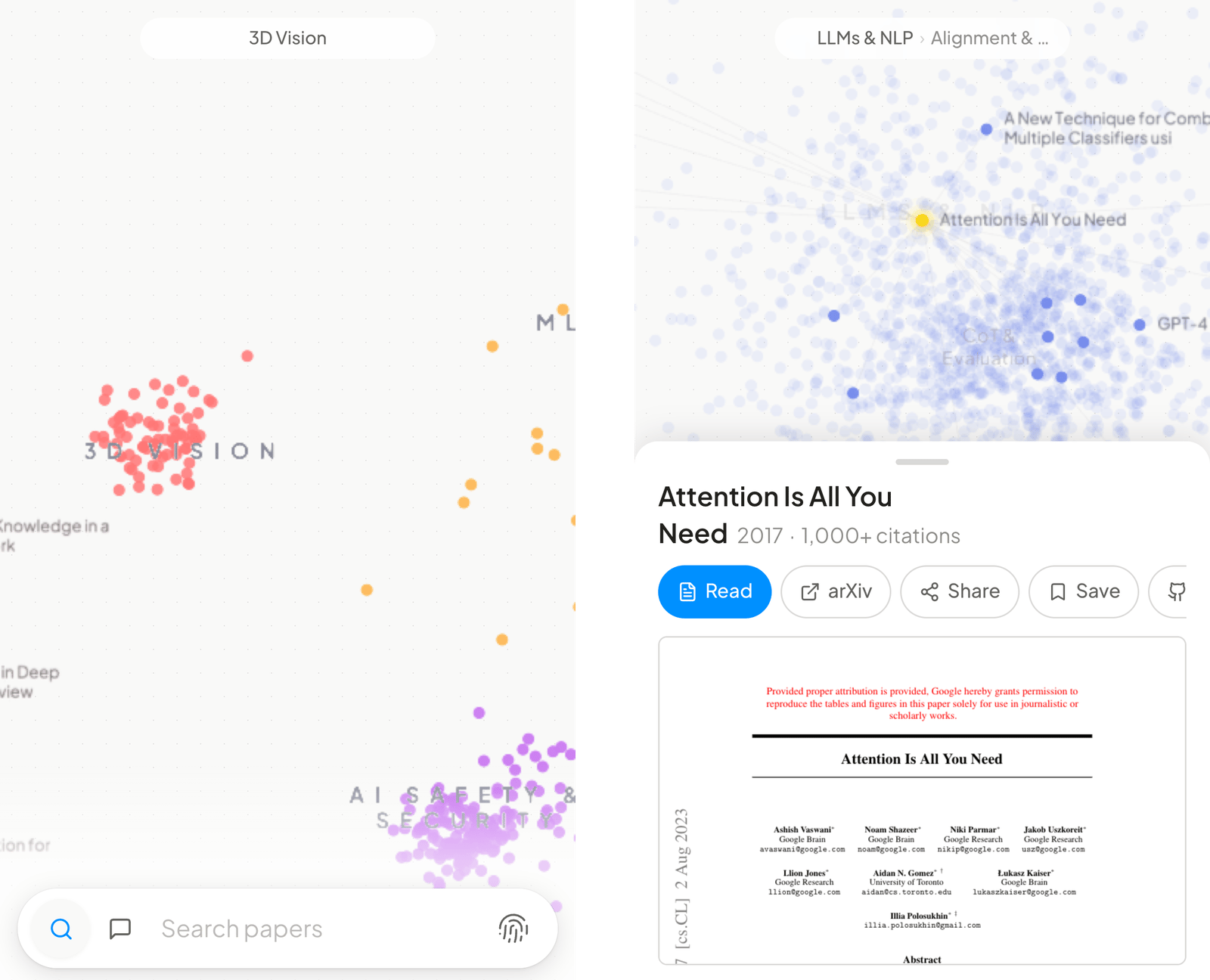
The bar folds into a pill; papers open in a sheet with three heights.
Next steps
Chat in the web app
Sessions, mentions, research mode, sharing, and your local files.
Install the CLI
The same corpus from your terminal and your agents.